Podman is an open soirce tool for container management that runs in deamonless mode. Podman is Linux native and allows you to find, run, build, share and deploy containerized applications. Podman uses stndard OCI (Open Containers Initiative) containers and images. Podman is the better alternative of Docker as it allows you to run the containers in rootless mode, thus completely eliminating a bunch of security problems.
While developing an image working with Dockerfiles can be quite time consuming. You first have to create an image, then you have to spin a container out of it so that you can oreview it. This cycle proceeds over and over until all the bugs are polished and all works as expected. Beside the time, it can also be resource consiming and you would have to remember to clean up after you finish.
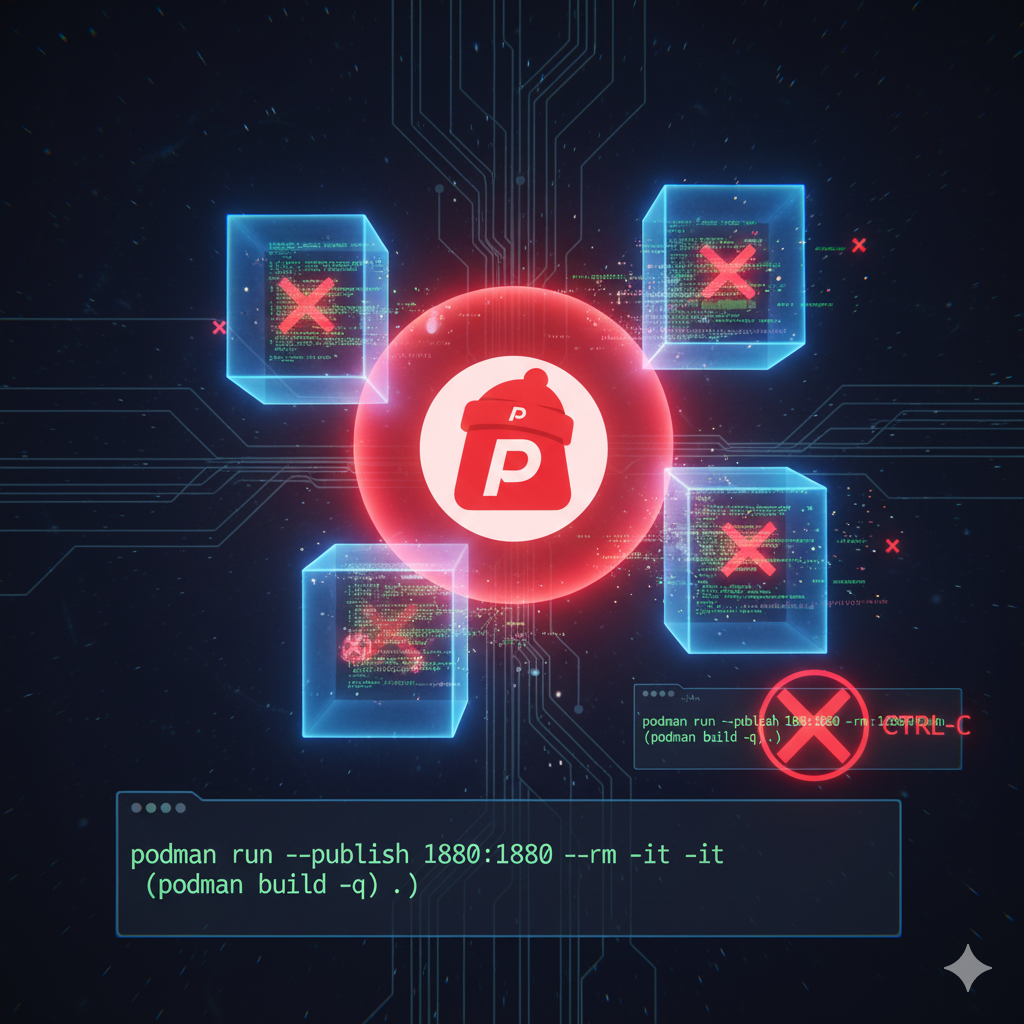
Here is a command you can use, that will build and spin a Dockerfile, then it will automatically clean up after, once you exit the command
podman run --publish 1880:1880 --rm -it $(podman build -q .)
Now if you open another terminal you can see your container running
podman ps -a
		CONTAINER_ID
		IMAGE
		COMMAND
		CREATED
		STATUS
		PORTS
		NAMES


		17476ec5c
		816a17c41291

		6 seconds ago
		Up 6 seconds ago
		0.0.0.0:1880->1880/tcp
		cranky_morse
After you finsh with your container preview, just click CTRL-C and the containers will be cleaned up immediately. No hanging leftover containers or images taking precious harddrive space, that can easily go into gigabytes wasted.